Sale Price:
£0.00
Original Price:
£0.99
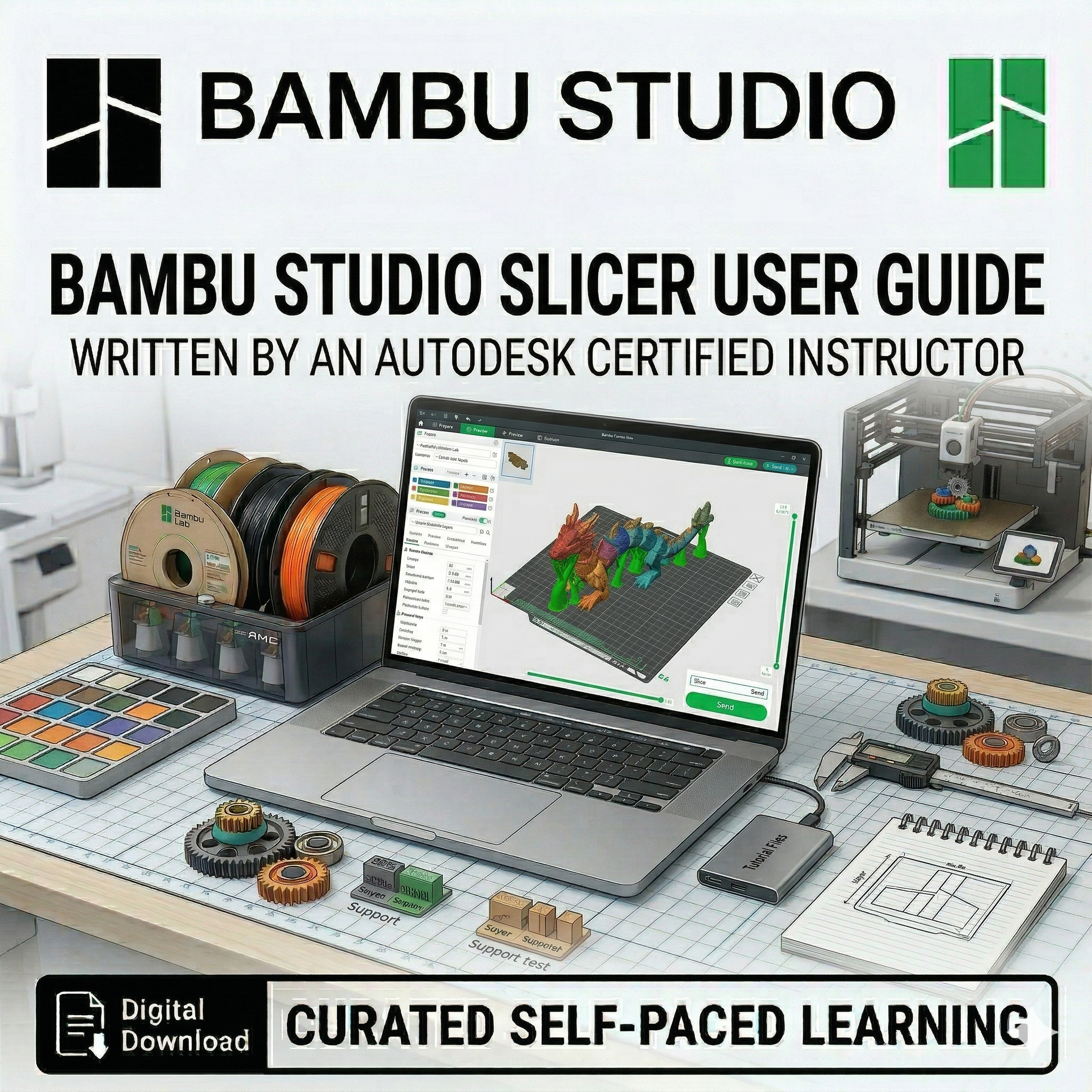
This training resource, titled Bambu Studio Printing, is a comprehensive guide designed to teach the fundamentals of 3D printing using dedicated slicing software. Authored by a WorldSkills Additive Manufacturing medalist and Autodesk Certified Instructor, this tutorial bridges the gap between digital design and physical production.
Resource Overview
The guide provides a step-by-step walkthrough for setting up and executing a high-quality print, using the iconic 3D Benchy as a primary example. It is specifically tailored for the Bambu Lab range of printers, such as the A1 mini and X1-Carbon.
Key Learning Objectives
Software Configuration: Learn to correctly select build plates (standard Textured PEI) and nozzle diameters ($0.4\text{mm}$) to ensure print success.
Material Management: Understand how to select and visualize different filaments, including Bambu Lab PLA Basic, and the importance of matching software settings to real-world materials.
Print Optimization:
Quality: Balancing layer height ($0.20\text{mm}$ standard) for optimal speed and strength.
Strength: Implementing recommended Gyroid infill patterns and density settings (typically $5\%$ to $20\%$).
Supports: Utilizing tree(auto) supports for complex geometries with minimal material waste.
Slicing and Execution: Master the "Slice Plate" process to convert models into printable layers and learn both wireless "Print Plate" and SD card export methods.
Advanced Features: Utilize the "Home" library for online models and import custom files (like STL or STEP) directly from CAD software like Fusion.
This tutorial is recommended for learners who have already completed the "Bambu Studio Setup" resource
This training resource, titled Bambu Studio Printing, is a comprehensive guide designed to teach the fundamentals of 3D printing using dedicated slicing software. Authored by a WorldSkills Additive Manufacturing medalist and Autodesk Certified Instructor, this tutorial bridges the gap between digital design and physical production.
Resource Overview
The guide provides a step-by-step walkthrough for setting up and executing a high-quality print, using the iconic 3D Benchy as a primary example. It is specifically tailored for the Bambu Lab range of printers, such as the A1 mini and X1-Carbon.
Key Learning Objectives
Software Configuration: Learn to correctly select build plates (standard Textured PEI) and nozzle diameters ($0.4\text{mm}$) to ensure print success.
Material Management: Understand how to select and visualize different filaments, including Bambu Lab PLA Basic, and the importance of matching software settings to real-world materials.
Print Optimization:
Quality: Balancing layer height ($0.20\text{mm}$ standard) for optimal speed and strength.
Strength: Implementing recommended Gyroid infill patterns and density settings (typically $5\%$ to $20\%$).
Supports: Utilizing tree(auto) supports for complex geometries with minimal material waste.
Slicing and Execution: Master the "Slice Plate" process to convert models into printable layers and learn both wireless "Print Plate" and SD card export methods.
Advanced Features: Utilize the "Home" library for online models and import custom files (like STL or STEP) directly from CAD software like Fusion.
This tutorial is recommended for learners who have already completed the "Bambu Studio Setup" resource