

What You’ll Learn
This project focuses on advanced modeling techniques that are essential for any aspiring CAD designer:
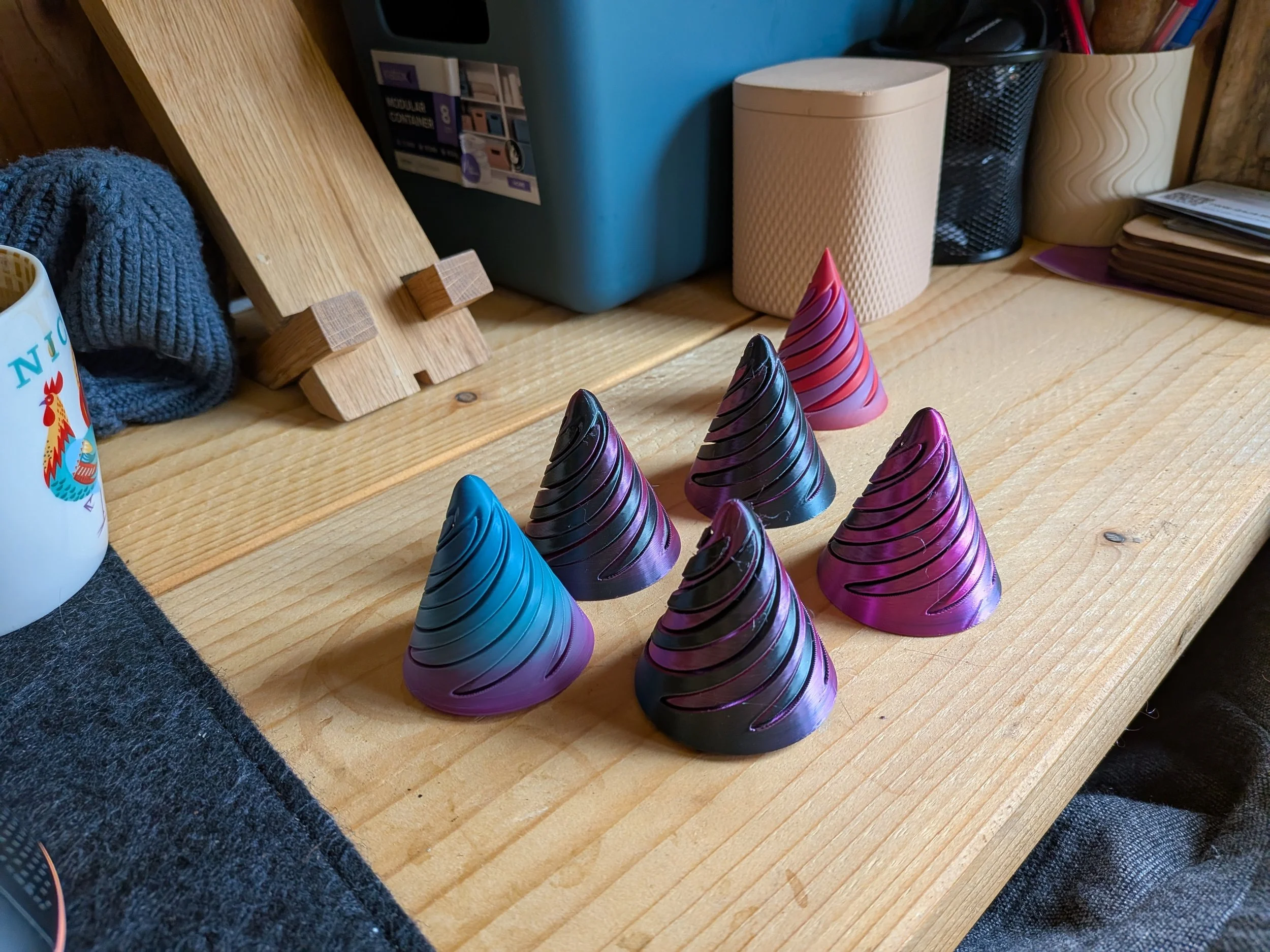
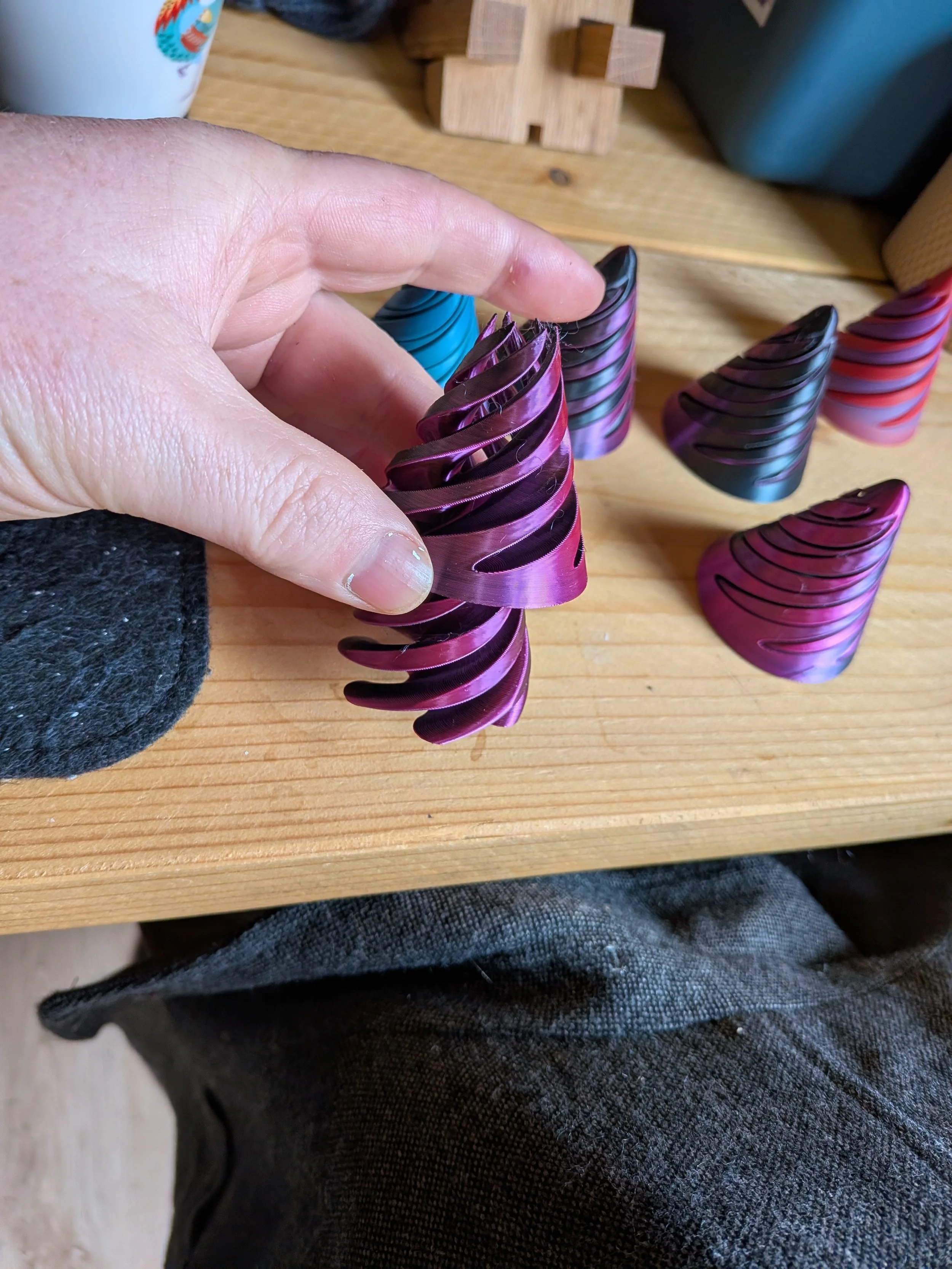
Path-Based Modeling: Use the Sweep tool with custom twist angles to create the signature vortex effect.
Precision Patterns: Master the Circular Pattern tool to ensure perfect symmetry across the spinner arms.
Complex Intersections: Learn how to use the Combine (Cut) tool to create a perfectly fitted stand for your 3D models.
Visual Communication: Apply high-quality physical materials and appearances to create professional-grade renders.
What’s Included
Step-by-Step PDF Guide: A 13-page, highly visual walkthrough with clear instructions and screenshots.
Logic-Based Instruction: Learn the why behind the tools, not just the how.
Beginner to Intermediate Bridge: Perfect for those who know the basics but want to start creating more "organic" and complex looking designs.
Technical Specs
Software: Autodesk Fusion
Format: Digital Download (PDF)
Level: Intermediate / Academic
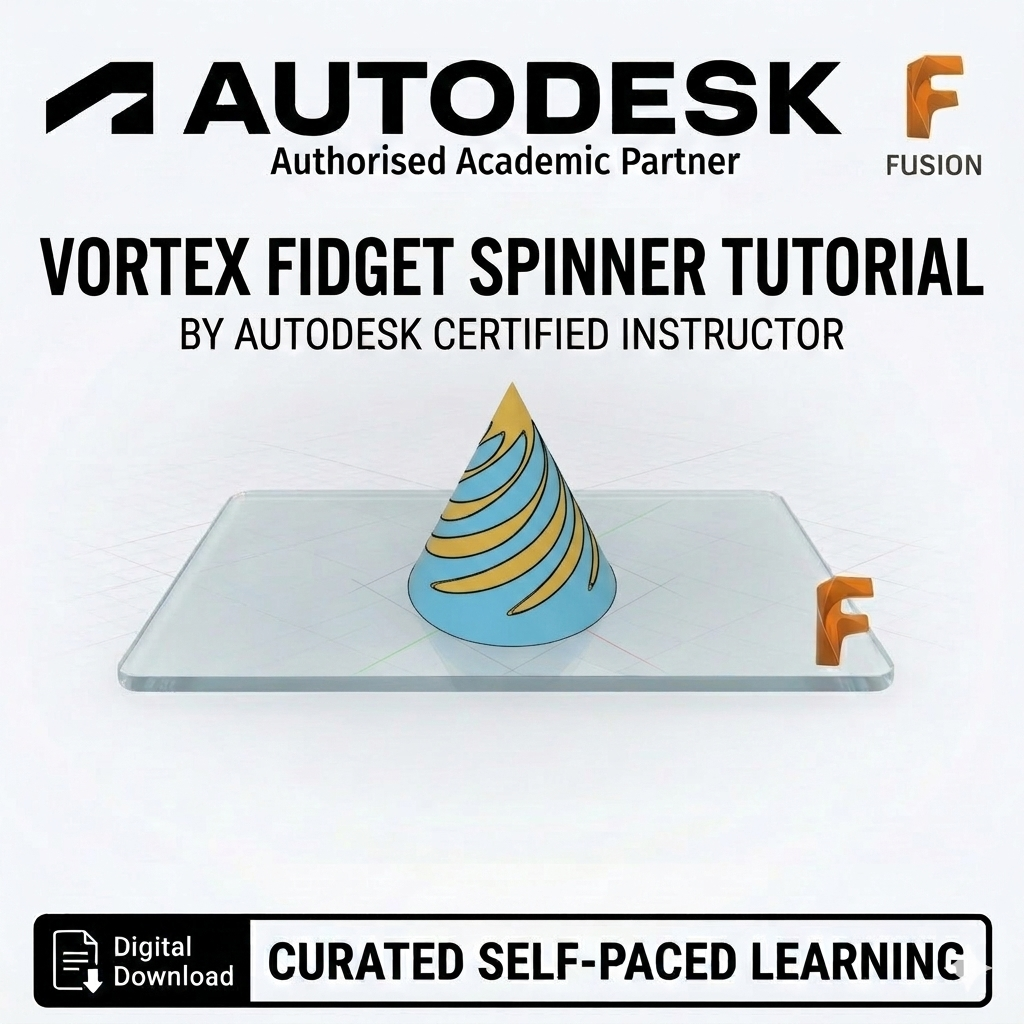
Instructor: Created by an Autodesk Certified Instructor
Ready to give your 3D designs a twist? Download the Vortex Fidget Spinner tutorial today!