
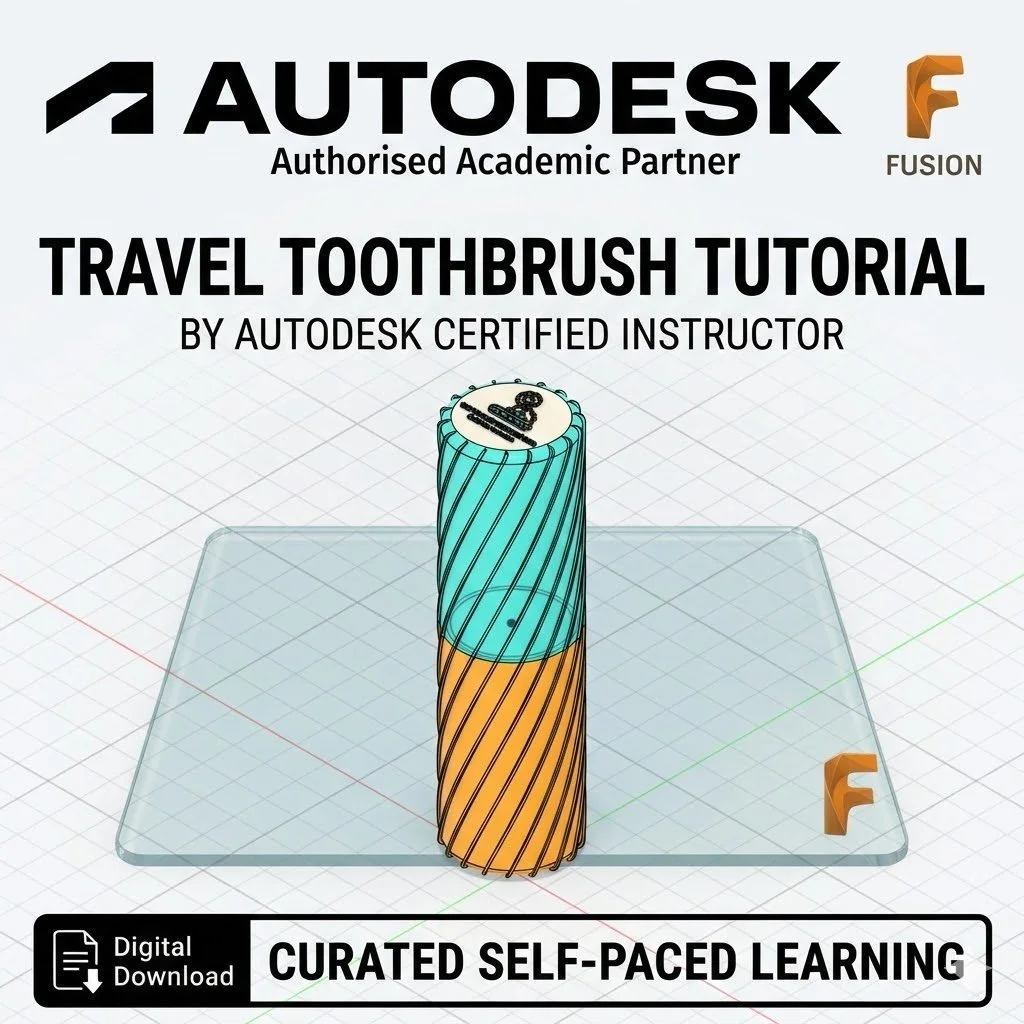
Travel Toothbrush Holder: It’s time to brush up on your skills!

What You Will Master:
Hybrid Modeling: Learn to use the Surface Sweep command to create thin-walled geometries that are difficult to achieve with standard solids.
Complex Intersections: Master the Project (Shortcut 'P') and Line tools to ensure multiple sketches align perfectly for a professional fit.
The Thicken Tool: Learn how to turn delicate surfaces into 3D-printable solid walls with precise thickness.
Graphic Integration: Learn how to import SVG graphics directly onto your 3D models to create custom, multi-colored designs (perfect for dual-color 3D printing).
Industrial Finishing: Apply Fillets and Appearances to create a professional, retail-ready finish.
Manufacturing Mastery: Learn why the .3mf format is recommended for these complex prints and how to orient your part for the best structural strength.
Tutorial Specifications:
Skill Level: 4 - 5 / 10 (Intermediate).
Software: Autodesk Fusion.
Format: High-quality, step-by-step PDF guide with annotated screenshots and technical learning checks.
Project Outcome: A fully custom, 3D-printable toothbrush holder with personalized graphics.