
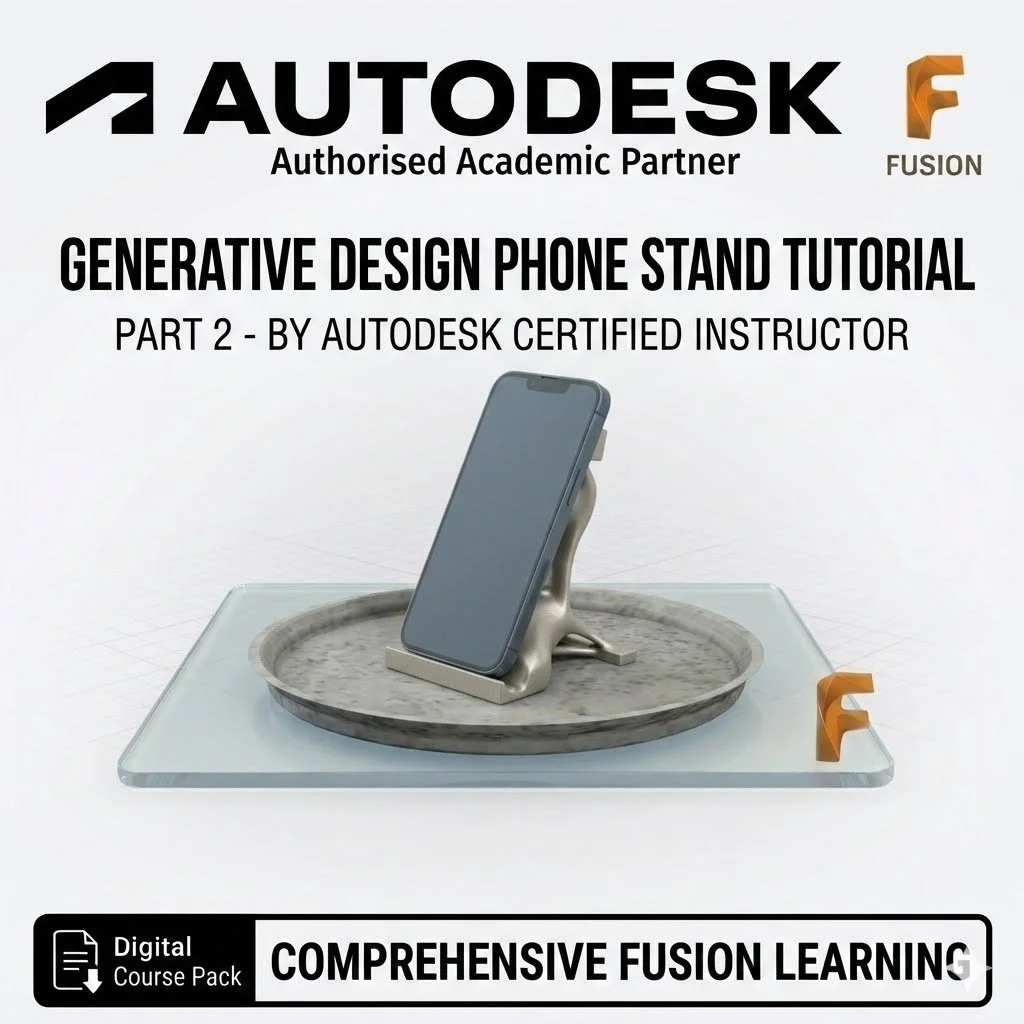
Generative Designed Phone Stand Tutorial: AI-Driven Engineering Part 2

What You Will Learn
This project is rated at an 8/10 skill level, providing a deep dive into professional simulation and optimization workflows:
Obstacle & Preserve Geometry: Master the critical skill of defining "Obstacle Geometry" to ensure the AI leaves space for your phone and "Preserve Geometry" for the areas the stand must have
Structural Setup: Learn to apply Structural Constraints to lock your model in place and Structural Loads (up to 600N) to simulate real-world weight and pressure.
AI Optimization: Understand how to use Study Settings and Objectives to minimize mass while maintaining a specific safety factor.
Manufacturing Criteria: Program the AI to design specifically for Additive Manufacturing (3D Printing) by setting overhang angles and minimum wall thicknesses.
Outcome Comparison: Learn to navigate the generated results, compare different AI iterations, and export the final design for 3D printing.
What’s Included
Professional Visual Guide: A detailed, step-by-step walkthrough featuring high-resolution Fusion interface screenshots of the Generative Design workspace.
Learning Assessment: Targeted questions to test your knowledge of safety factors, obstacle geometry, and study completion times.
Industry Standard Pedigree: Developed by the CADCAM Educators Hub, ensuring the highest level of technical accuracy.
3D Print Ready: Final instructions on exporting your AI-generated model as an STL file.
Digital Download: Your purchase includes an instant download link to the full tutorial package.