
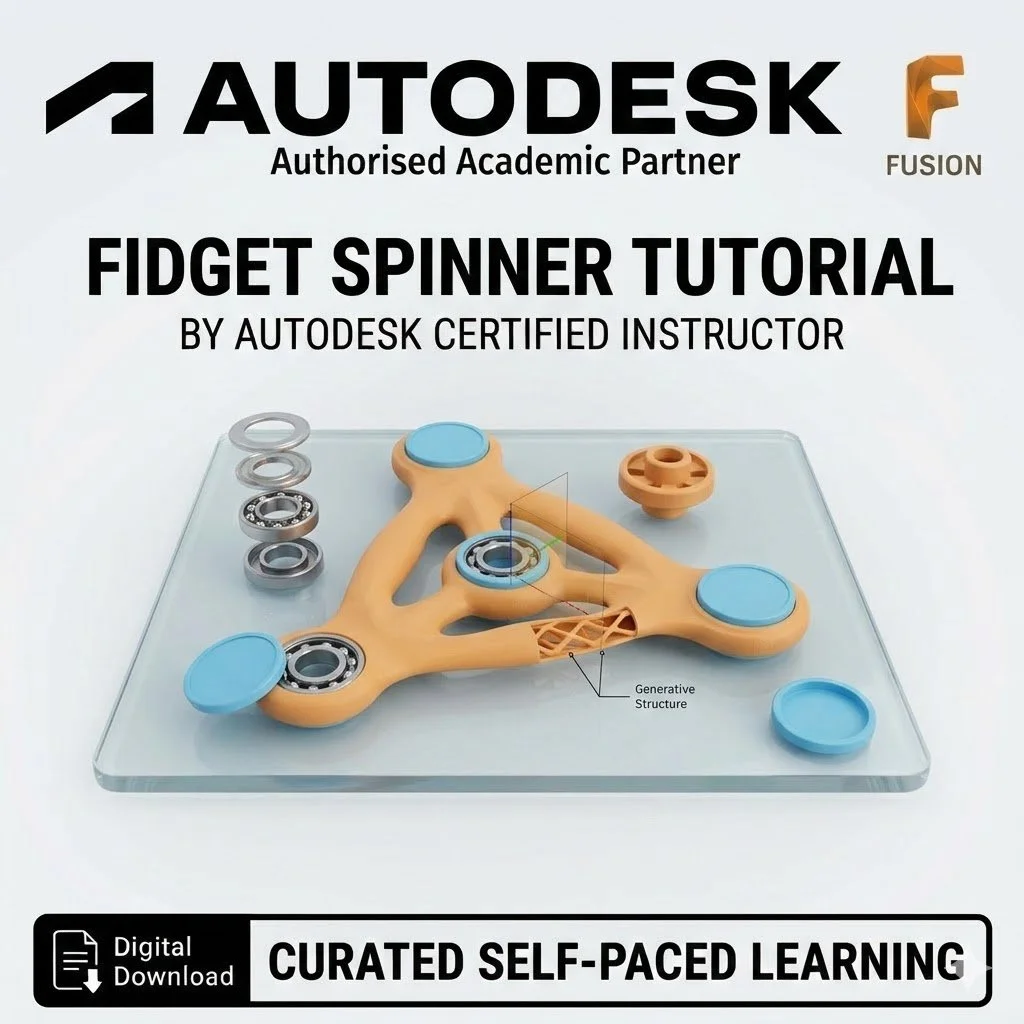

What You Will Master:
Anthropometric Design: Learn how to base your design on real-world data—specifically the length of your own thumb—to create a truly personalized and ergonomic tool.
Precision Sketching: Master the Offset and Circle commands (Shortcuts 'O' and 'C') to create perfectly toleranced housing for mechanical bearings.
Complex Geometry: Use the Tangent Line tool and Fillets to create the smooth, organic flowing curves essential for a comfortable spinner.
Circular Patterns: Learn to instantly duplicate and rotate components around a central axis to create perfectly balanced symmetrical designs.
3D Print Optimization: Tips on exporting your file as a .3mf for superior 3D printing results, with material recommendations for durability.
Tutorial Specifications:
Skill Level: 4 - 5 / 10 (Intermediate).
Software: Autodesk Fusion.
Resource: Expertly curated guide with step-by-step annotated screenshots and learning checks.
Outcome: A personalized, fully functional mechanical toy.