
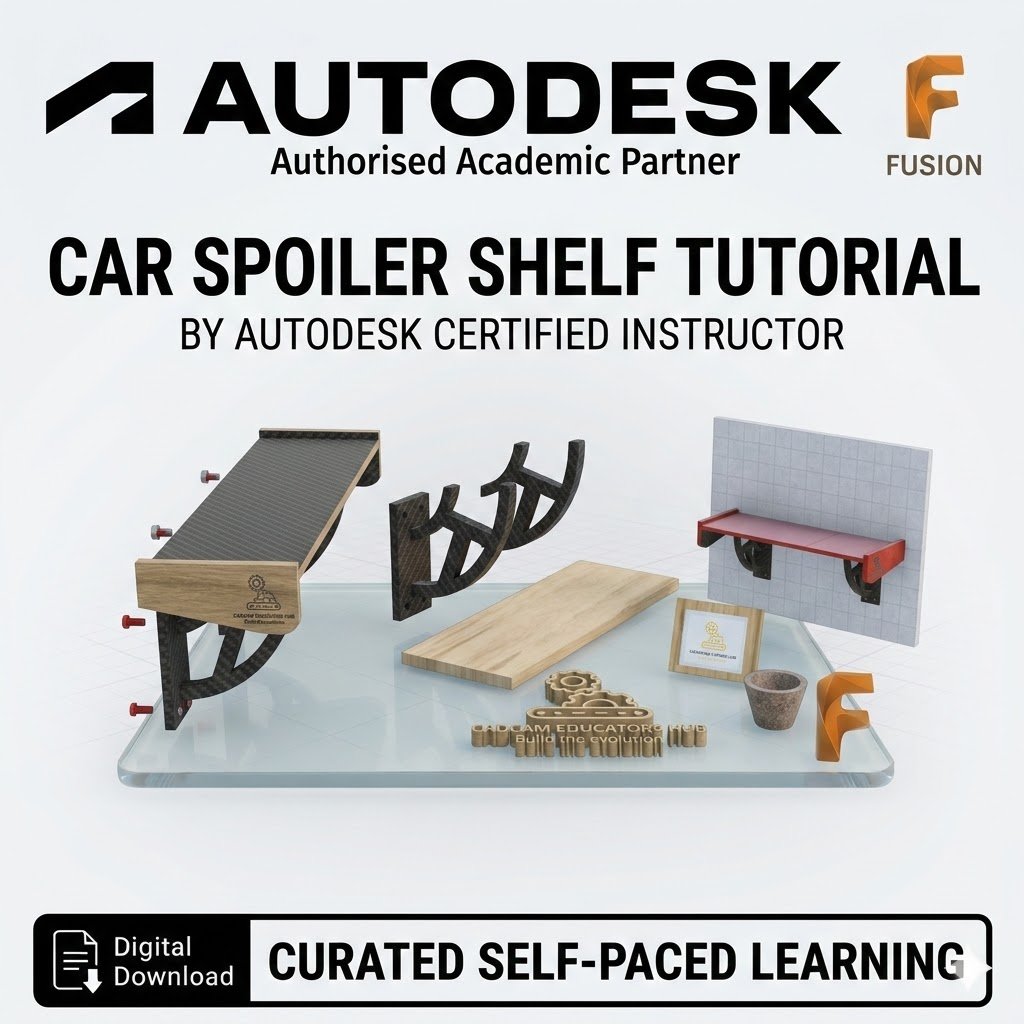
Car Spoiler Shelf Tutorial: Automotive-Inspired Interior Design

What You Will Learn
This project is rated at a 2-3/10 skill level, making it a fantastic next step for beginners wanting to combine aesthetic design with functional mounting. You will master essential CAD workflows, including:
Aerodynamic Sketching: Master the 3-Point Arc and Fit Point Spline tools to create complex, sporty curves.
Precision Geometry: Learn to use Offset Planes to build your model in 3D space and the Project tool to lock geometry together.
Functional Engineering: Utilize Mirrors to create perfectly symmetrical wings and brackets, and the Hole tool to prepare your shelf for wall mounting with screws.
Personalization: Learn how to insert and extrude SVG files to add custom logos or branding to your design.
What’s Included
Comprehensive Visual Guide: A detailed, step-by-step walkthrough featuring high-resolution Fusion interface screenshots for every stage.
3D Print Ready: Practical advice on printing your design, including how to join separate components and tips for successful assembly.
Learning Assessment: Integrated questions to test your knowledge of tool functionality, mass calculations, and model properties.
Professional Pedigree: Developed by the CADCAM Educators Hub, ensuring industry-standard educational quality.
Digital Download: Your purchase includes an instant download link to the full tutorial package.