

Concept Cars - Speed & Performance 2026
Design the future of high-speed aerodynamics and automotive performance using Autodesk Fusion.
The Brief
Design the digital future or manufacture the physical reality.
The CAD Club Concept Cars Competition 2026 invites students to engineer next-generation vehicles using Autodesk Fusion. Choose your track or enter both:
Category 1: SPEED (CAD) — A pure digital design challenge focusing on 3D surface modeling, aerodynamic bodywork, and high-impact visual renders.
Category 2: PERFORMANCE (CAM) — A practical manufacturing challenge using Fusion’s CAM workspace to generate toolpaths and produce physical models via CNC machining or 3D printing.
Open to: Key Stage 3, Key Stage 4, and Post-16 / Key Stage 5 students.
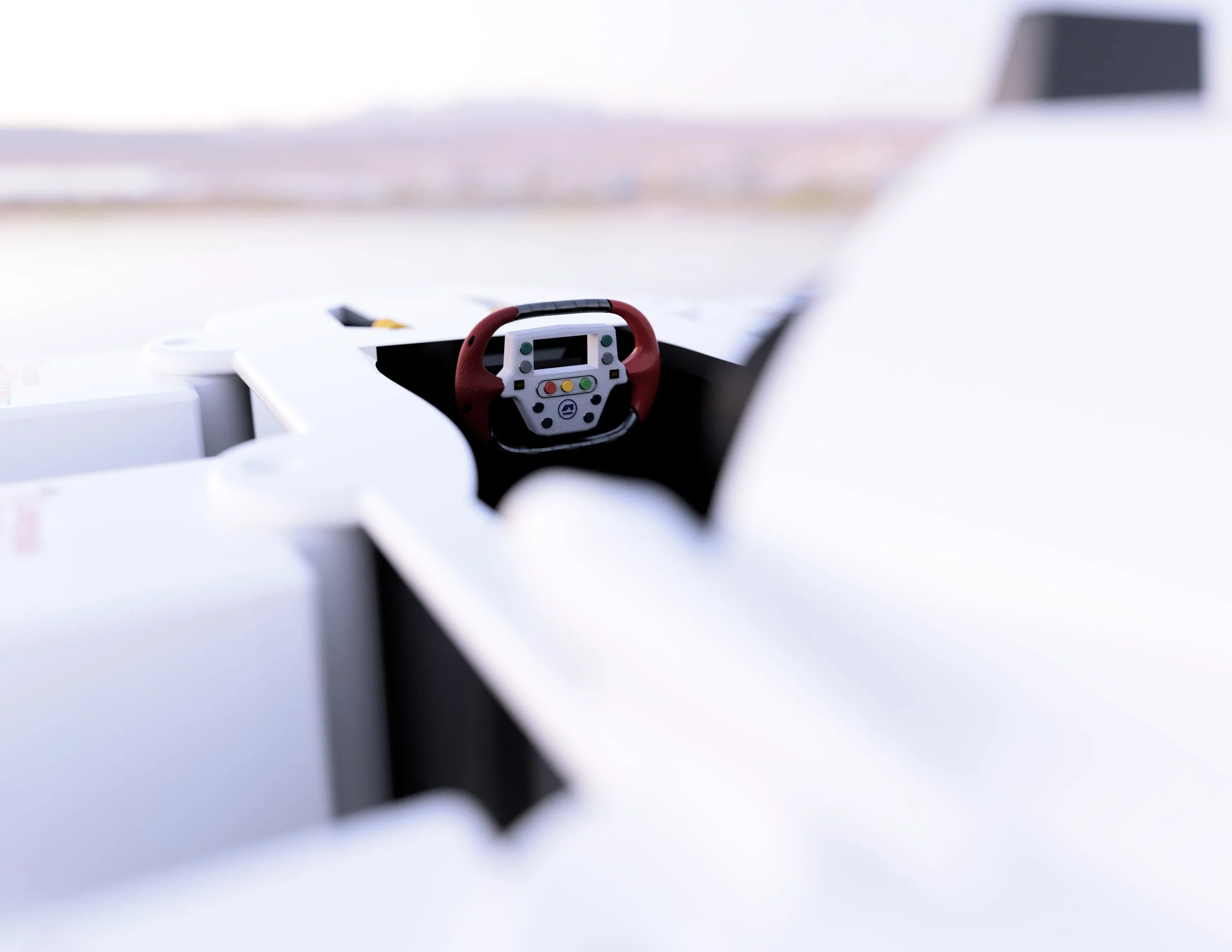
Running xx.xx.26 - xx.xx.25 (Live Launch xx.xx.xx @ 13:00 - 13:30)
What Sets us Apart

As an Autodesk Academic Partner and long terms supporter of The Baker Dearing Trust we believe that it is possible to "make anything". However to be able to do that young people need time and purpose to hone their craft.
This competition gives students the opportunity to develop their skills as a free form modeller using the Autodesk Fusion Forms environment. The free forms environment is a stepping stone into Autodesk Alias, which is the preferred software of Automotive designers.
How to get involved?
Speed
&
Performance
-
Speed & Performance -
Speed (CAD) Commpetition: What are the judges looking for?
Performance (CAM) Commpetition: What are the judges looking for?
-
Judges will inspect your choice of cutting tools, end mills, or 3D printing parameters inside Fusion’s Manufacture workspace. Marks are given for selecting appropriate tool geometry, feeds, speeds, and stepovers for your chosen material.
-
Evaluates the efficiency and logic of your CAM setups. Judges look for optimal toolpath strategies (e.g., Adaptive Clearing, Parallel finishing), minimal air cutting, collision-free simulation setups, and smart stock management.
-
Evaluates the real-world manufacturing execution and surface finish of the physical model. Marks are awarded for dimensional accuracy, surface quality, assembly fit tolerances, and how successfully the model was manufactured.
-
Judges will evaluate the creativity, proportion, and aesthetic quality of your vehicle's 3D bodywork. Focus on smooth surface continuity, aggressive aerodynamic shaping, and innovative automotive styling inside Autodesk Fusion.
-
How well structured is your CAD model? Judges will assess parametric timeline cleanliness, proper component organization, intelligent sketch constraint usage, and clean geometry without broken references or unconstrained sketches.
-
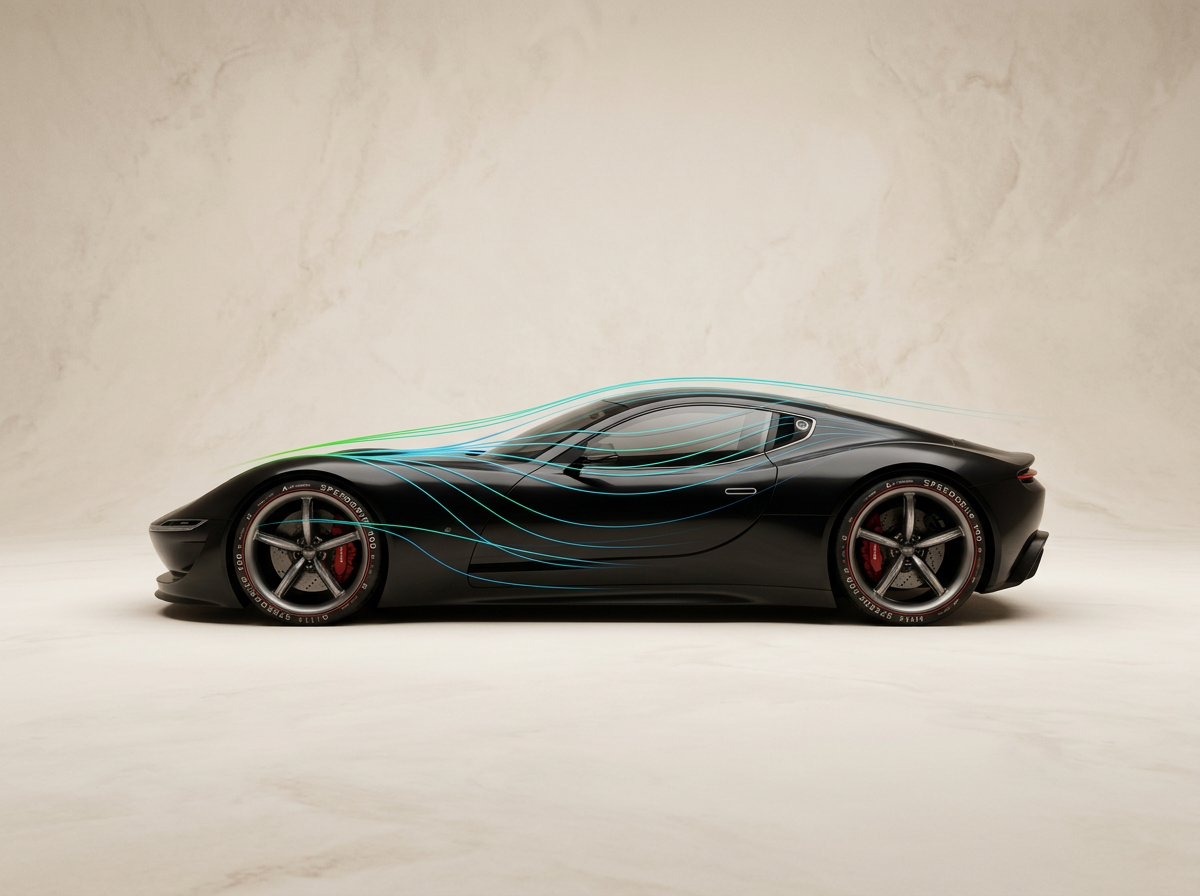
Evaluates visual aerodynamics, drag reduction features, and high-speed design intent. Marks are awarded for smart integration of active/passive aero elements like front splitters, rear diffusers, side skirts, and air channels.
Tutorials and learning hub
Master the skills needed to design and manufacture a winning entry with our step-by-step video series. Whether you're entering the Speed (CAD) category, the Performance (CAM) category, or both, our specialists will guide you through Autodesk Fusion from initial sketch to final export.
Speed - CAD Competition
Mastering 3D Modeling, Surfacing & Rendering
Join Mika as she takes you through the digital design process inside Autodesk Fusion. In this series, Mika demonstrates how to translate your initial concept sketches into stunning, aerodynamic 3D bodywork.
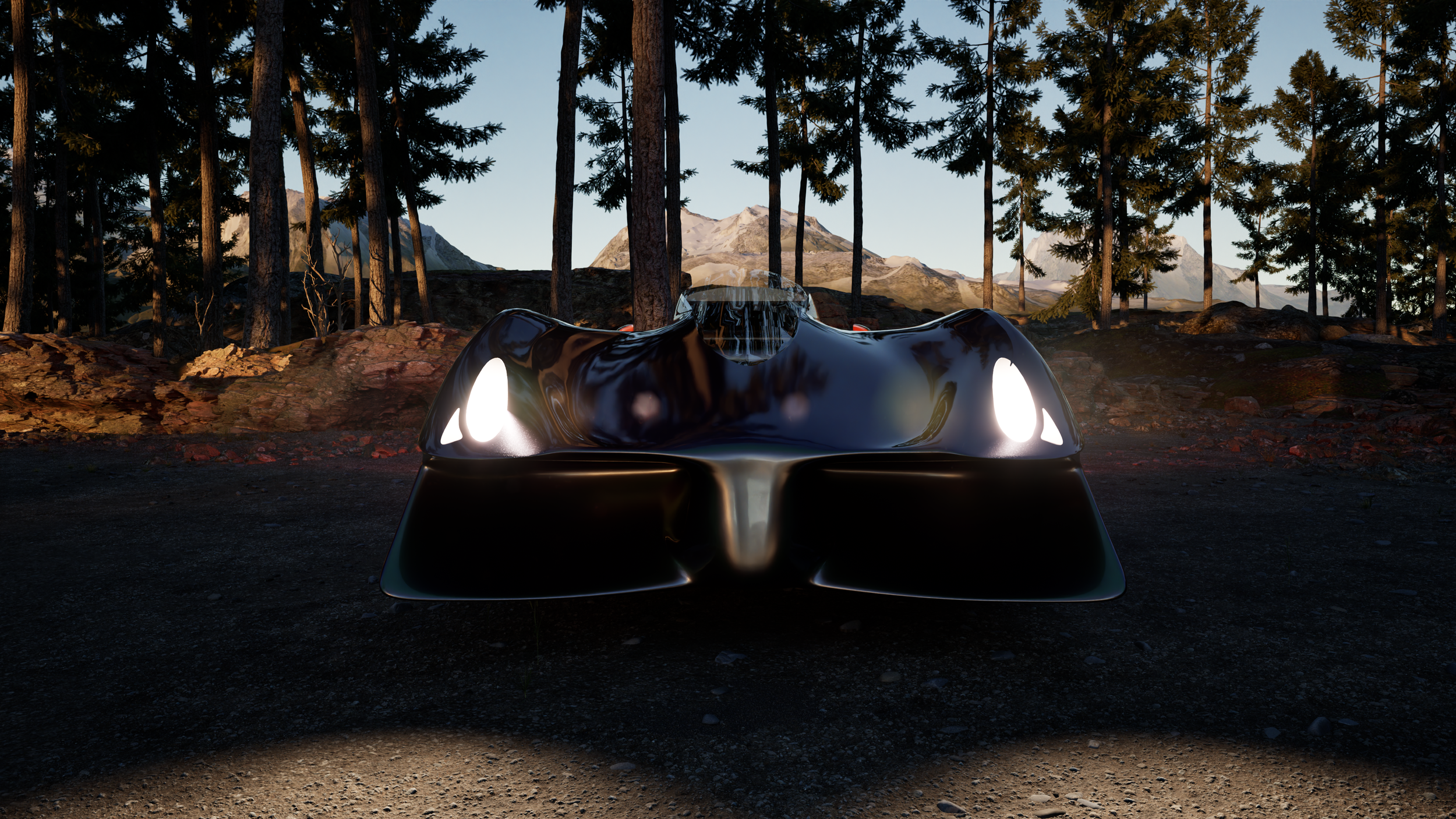
What you'll learn with Mika:
Mastering parametric sketching and complex surface modeling
Designing aerodynamic body contours, diffusers, and splitters
Setting up realistic materials, lighting, and environments for award-winning renders
Exporting clean .f3d archive files ready for submission
Performance - CAM Competition
Mastering Toolpaths, Machining & Manufacturing
Step into the workshop with Josh as he walks you through Autodesk Fusion's Manufacture workspace. Josh breaks down how to take a 3D CAD model and prepare it for real-world production using CNC machining.
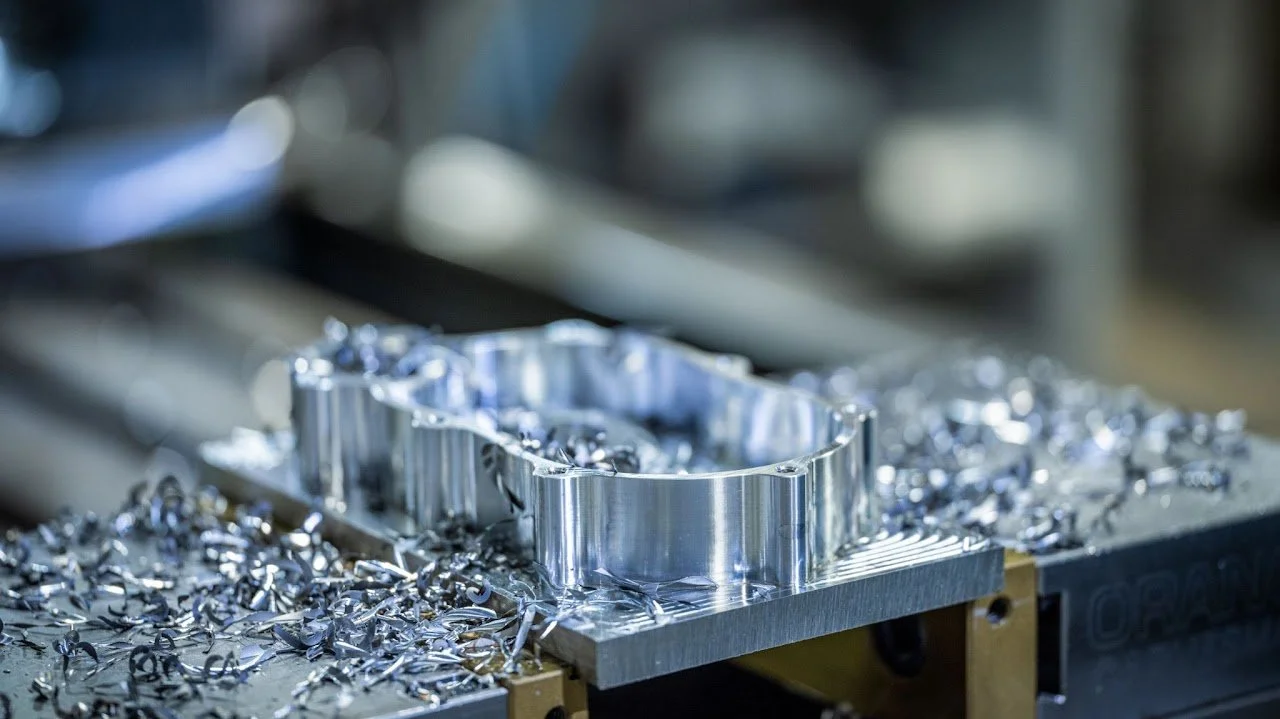
What you'll learn with Josh:
Choosing the right cutting tools, feeds, and speeds for your materials
Setting up efficient 2D and 3D toolpath strategies
Running stock simulations to verify toolpaths and prevent collisions
Preparing files and stock setups for physical manufacturing and assembly